 UNI

Video Glow
Browser extensionSoft light around the video that follows the picture, like a backlight behind a TV.
Summary, apps, notifications and a web panel in one bot. Your own instance on your server, with your own bot token. One-command installation.
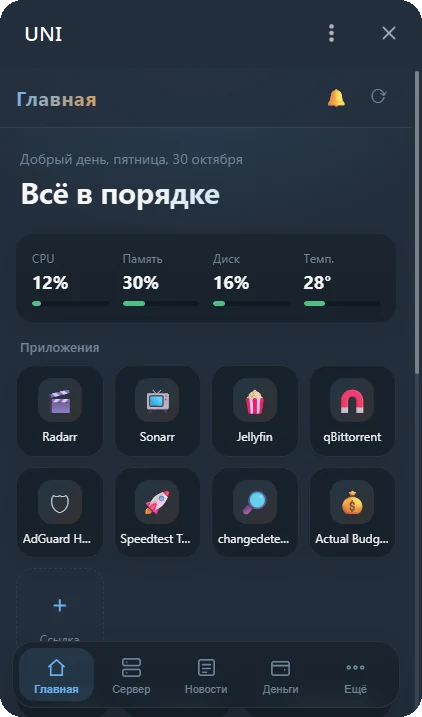
The bot shows what you have connected. Everything else stays out of the way.
Weather, exchange rates, up to five new stories summarized by a local model, and server health. One daily message that quietly stays up to date.
CPU, memory, disks, temperature, weekly charts, service logs, SMART and SSH sign-ins.
Connect apps from the chat. The bot discovers containers and keys; you confirm what to connect.
A web panel inside Telegram: light and dark themes, in-app news reading and a notification centre.
Failed tasks restart and a configuration typo does not crash the bot. PIN-protected server actions cover services, the bot and reboots.
Guests get separate permissions. The owner is assigned with a one-time code on first launch.
Home Assistant, Immich, Portainer and other services are discovered on your server and added to the dashboard with a tap.
The bot checks for new versions, verifies the author's signature and backs up before installing. One-button rollback.
If a disk fills up, a container stops or an exchange rate changes, a rule can respond. Control Home Assistant lights, outlets and scenes from Telegram.
A UNI agent on your NAS or Raspberry Pi adds metrics to the same panel. Backups can be copied to another machine, with roles for family and friends.
Weekly, monthly and yearly server reports. Ask why a server is slow: a local model answers using recent metrics without changing anything.
Add commands and background tasks without modifying UNI itself. Permissions are visible before activation; a broken module does not crash the bot.
Russian, English and Ukrainian. Debian, Ubuntu, Fedora, Arch, Raspberry Pi or a ready-made Docker image.
The panel includes everything available in chat. Its theme follows Telegram.
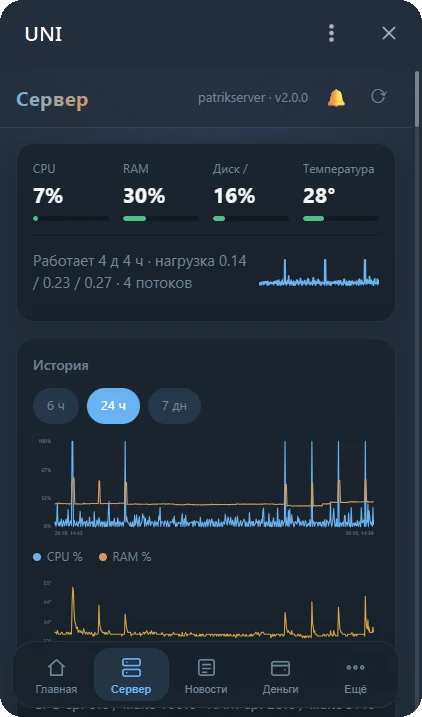
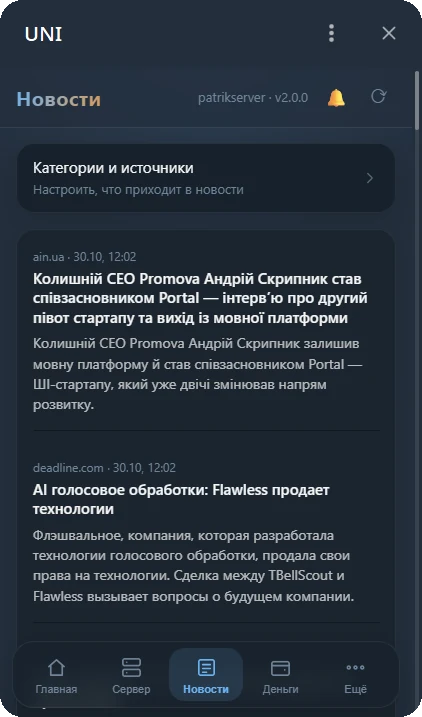
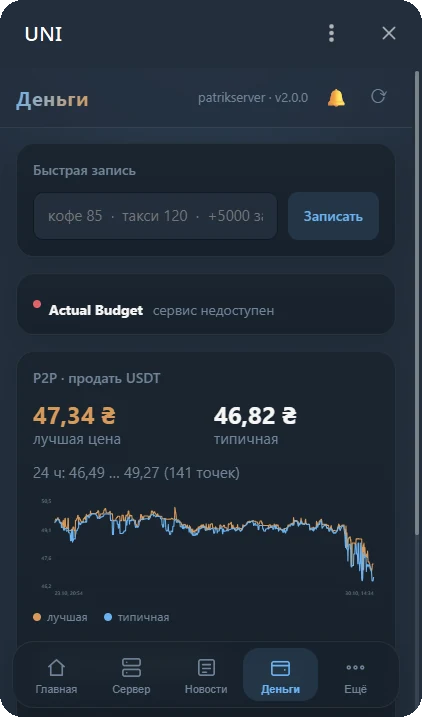
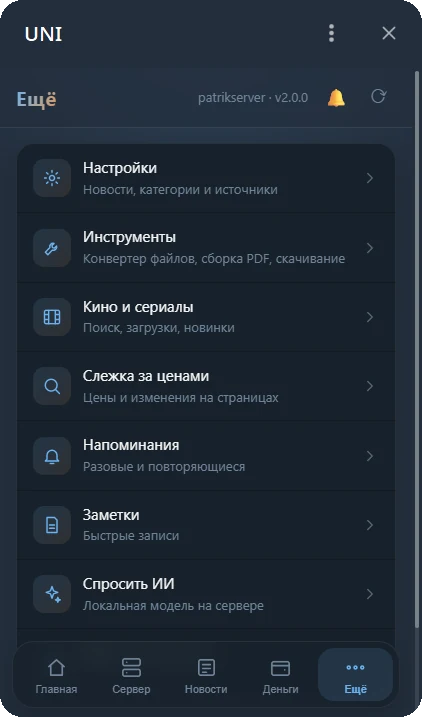
Connect apps from the chat. Missing one? Install it from the catalogue.
A Linux server is required: Ubuntu, Debian, Fedora, Arch, or Alpine through Docker.
Get a token from @BotFather.
The script installs dependencies and asks for your token.
Send the bot /start КОД from the installation log.
# номер версии из последнего релиза
V=10.0.0
curl -fsSL https://github.com/vkardin/uni-homebot/releases/download/v$V/homebot-$V.tar.gz | tar xz
sudo bash homebot/deploy/install.sh
# без systemd и без пакетов в системе
V=10.0.0
curl -fsSL https://github.com/vkardin/uni-homebot/releases/download/v$V/homebot-$V.tar.gz | tar xz
cd homebot && sudo bash deploy/install.sh --docker
Update from the chat (Settings → Update) or run the same server script again. Your .env and data are preserved.
VKARDIN / TOOLS
All made by one person. Free and open source.
Soft light around the video that follows the picture, like a backlight behind a TV.

Evens out the volume in films: you can hear the dialogue and the explosions don’t blast.

A screenshot with one key, then arrows and captions right on top of it.

Video in a small window on top of everything else. Remembers where you stopped.

Power outage schedules for every region of Ukraine, with a countdown until the power is back.

When the power goes out, it cuts the laptop’s draw and counts how long the battery and the power bank will last.

Shake the phone to turn on the flashlight. Flip it over for silence.
github.com/vkardin · Free and open source