 Snapt
SnaptEverything you need, nothing you don't
If you have used LightShot, you already know how Snapt works. It just stays out of your way, and keeps your screenshots on your machine.
Instant
A native Rust binary that starts in a blink and sits idle in the tray until you press PrtSc.
Lightweight
No Electron, no web view, no runtime to install. A few megabytes on disk and almost no memory.
Private
No accounts, no telemetry, no uploads. Your shots never leave your computer.
Precise selection
Drag to select, then move or resize by the handles. Works on every monitor and on HiDPI screens.
Copy, save, print, search
Send the area to the clipboard, save it as PNG or JPEG, print it, or search the web for similar images.
Annotate
Pen, lines, arrows, boxes, marker and text right on the selection, in any color, with undo and redo.
How it works
No windows to click through.
Press PrtSc
Or Cmd+Shift+9 on macOS, or Take screenshot in the tray menu. The screen freezes.
Select an area
Drag with the mouse. Adjust it by the edges, or press Ctrl+A for the whole screen.
Draw on it
Pick a tool on the toolbar or press its letter, like A for an arrow or T for text.
Copy or save
Press Ctrl+C and paste anywhere, or Ctrl+S to save a file.
| Action | Shortcut |
|---|---|
| Select an area | Drag with the left mouse button |
| Move or resize it | Drag inside the selection or by its handles |
| Select the whole screen | Ctrl+A |
| Copy to clipboard | Ctrl+C, Enter or double-click |
| Save to a file | Ctrl+S |
| Ctrl+P | |
| Search for similar images | Ctrl+F |
| Pen, line, arrow, rectangle, marker, text | P L A R M T |
| Undo and redo | Ctrl+Z, Ctrl+Y |
| Cancel | Esc or right-click |
On macOS, use Cmd instead of Ctrl.
Download
Free for everyone, forever. Pick the installer for your system.
Files come from the latest release on GitHub.
macOS
Your systemNot sure? Apple menu → About This Mac shows your chip.
Linux
Your systemx86_64. On Wayland, bind snapt --capture to a key.
Checksums are in SHA256SUMS.txt on the release page. Prefer to build it yourself? See building from source.
Questions
The short answers. Anything else, ask in Issues.
Windows or macOS warns me when I open Snapt
Snapt is not code-signed yet. On Windows, click More info, then Run anyway. On macOS, try to open it once, then go to System Settings → Privacy & Security and click Open Anyway. If macOS says the app is damaged, run xattr -dr com.apple.quarantine /Applications/Snapt.app in Terminal.
macOS asks for Screen Recording permission
That is how macOS lets apps see the screen. Allow Snapt in System Settings → Privacy & Security → Screen Recording, then restart it.
I don't see the tray icon on Linux
Snapt uses the StatusNotifierItem protocol. KDE supports it out of the box. On GNOME, install the AppIndicator extension.
Does Snapt upload my screenshots?
No. Snapt has no servers of its own and never sends your screenshots anywhere. The only thing it asks the internet is GitHub, once a day, whether a new version is out, and you can turn that off in the settings.
How do I change the shortcut or the save folder?
Open Settings in the tray menu (menu bar on macOS), or run snapt --settings. In the settings window you can switch the language, record a new shortcut, pick the folder and format (PNG or JPEG), save without asking, start Snapt with the system, and let it replace the system screenshot tool on PrtSc.
How does Snapt update?
It checks GitHub Releases once a day and offers Update in the tray. The Windows installer, the macOS app and the AppImage update themselves; for the .deb, the download page opens. You can turn the check off in the settings.
PrtSc does nothing on Wayland
Wayland doesn't let apps grab global shortcuts. Bind snapt --capture to a key in your desktop's keyboard settings, and it takes a screenshot with the running Snapt.
Is it really free?
Yes. Snapt is open source under the MIT license, with no ads, no paid tier and no tracking.
More from the author
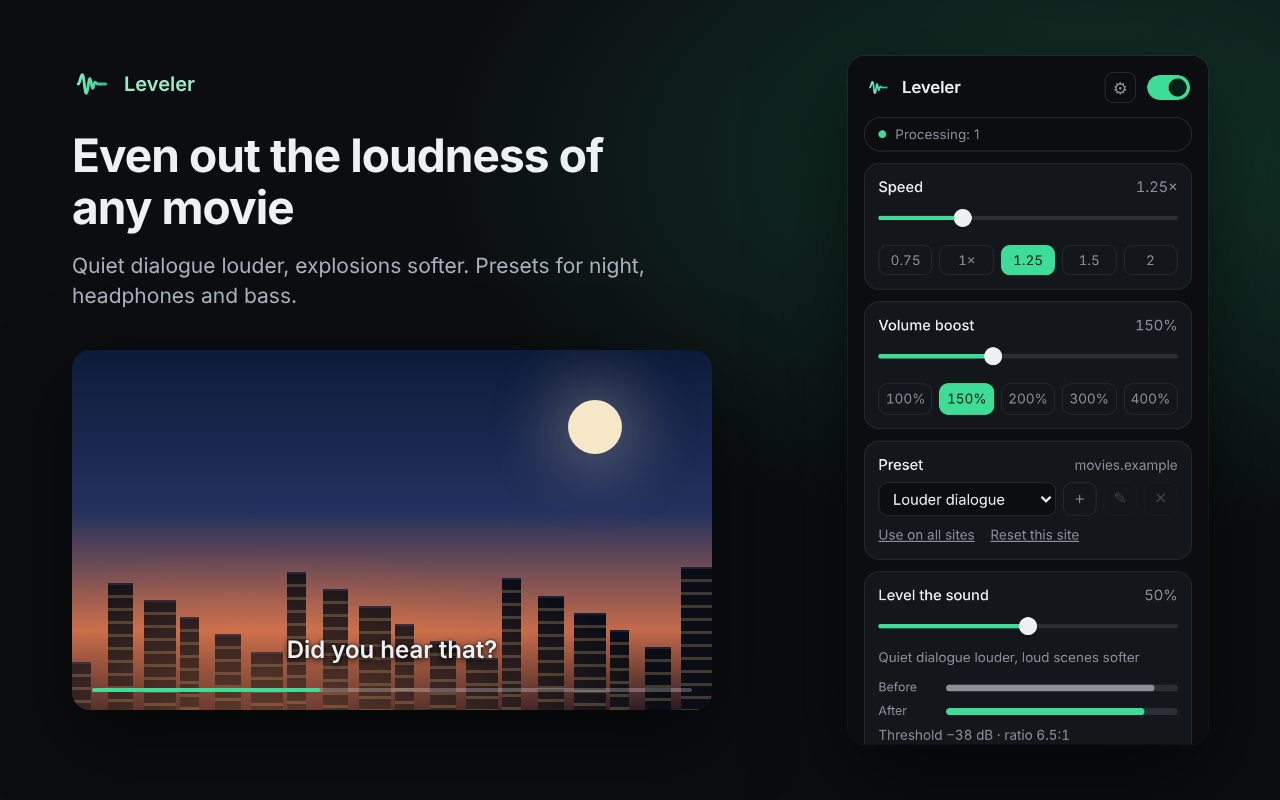
Snapt is made by one developer. Two more free, open-source tools, this time for watching videos in your browser.

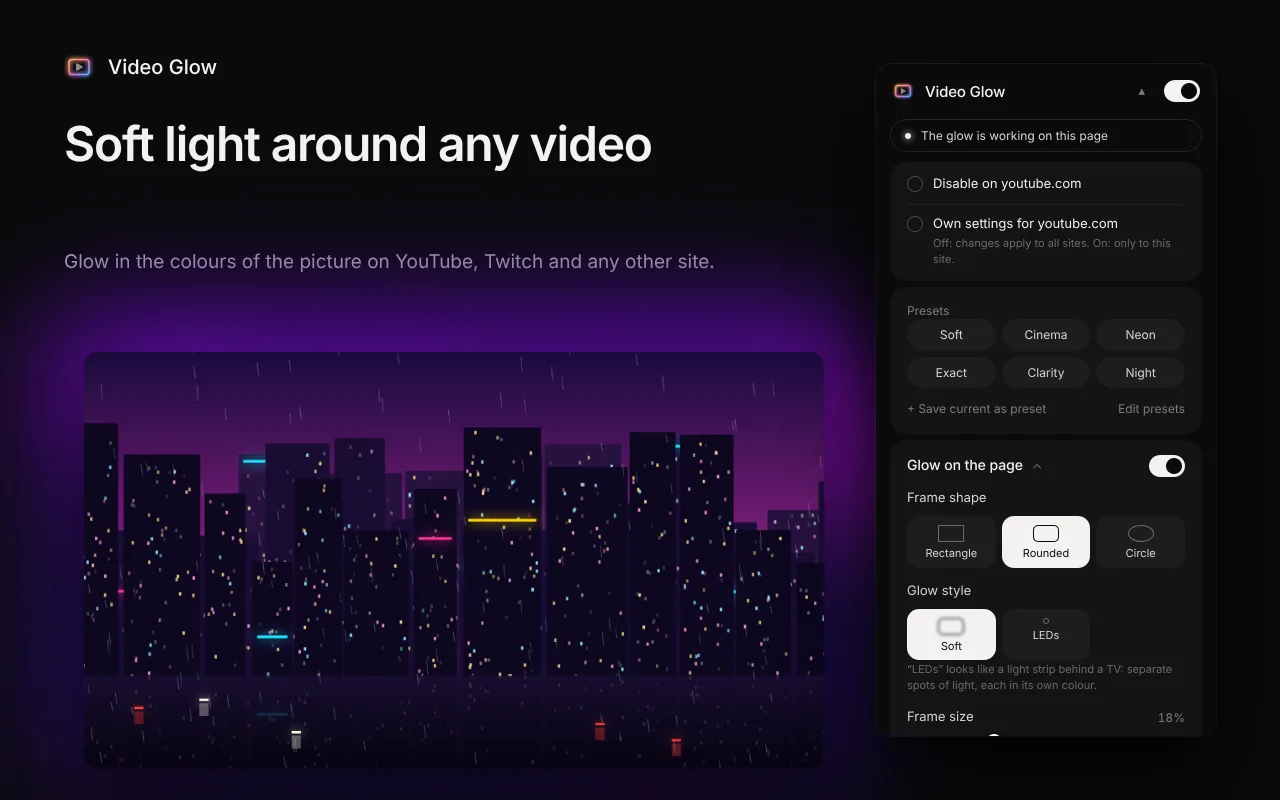

Video Glow
Browser extension · Chrome, Edge, FirefoxSoft light in the colours of the picture around any video, like an LED strip behind a TV. Works on YouTube, Twitch and any other site, also in fullscreen.
- Blur or LED strip
- Room colour
- Fullscreen
- Presets
Support Snapt
Snapt is free and has no ads. If it saves you time, you can support development with crypto. Any amount helps ship new versions.
Send coins only on the network shown on the card. A transfer on another network may be lost. Thank you for being here.